

Specialized Wolf Appliance Repair in San Francisco
Mon–Sat: 8:00 AM – 7:00 PM
Check the mode, the load and the display message first; a warming drawer that stays cool with error 40 showing needs a technician.
Written for Wolf owners
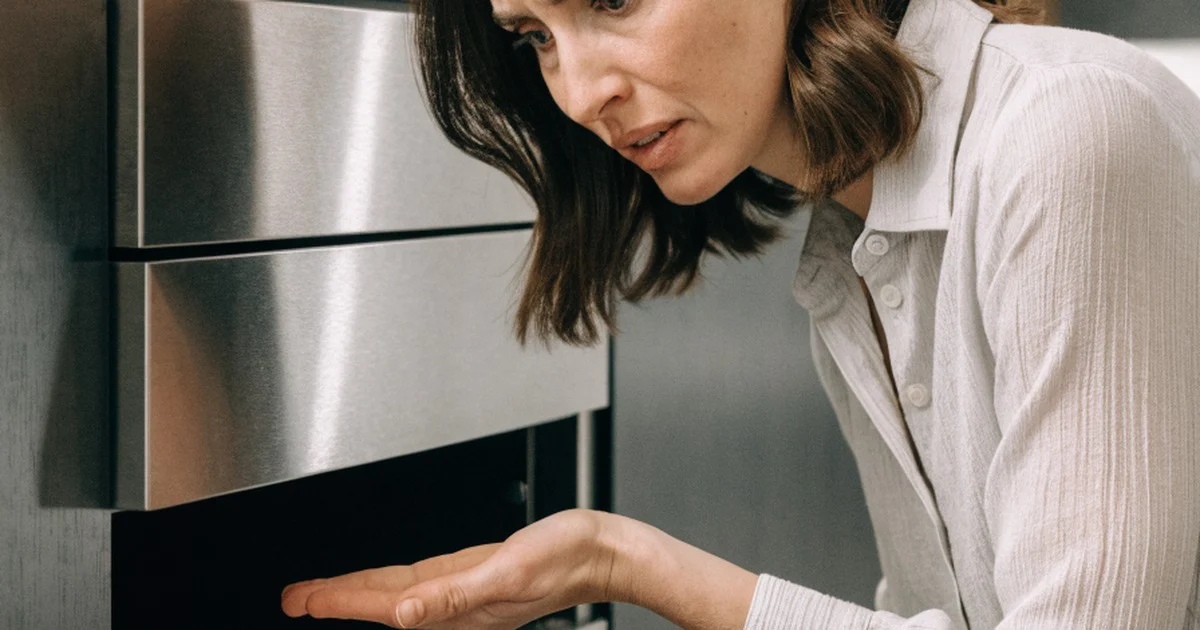
A Wolf warming drawer that feels too cool is often set lower than the food needs, or is being asked to hold food in a way that lets heat escape. If the display shows error 40, though, the control itself has found that the element is not heating, and that is a service call. Check the setting and the closure, read the display, and then decide.
Wolf warming drawers are built to hold food at serving temperature, not to cook it, so a drawer that is merely warm to the touch may be doing exactly what it was set to do. Start with what you asked for. Check the temperature setting and the mode you selected on the control. Check whether the drawer was given time to come up to temperature before food went in, and whether the food itself was already hot when it went in. A dish that went in lukewarm will not come out hot.
It also helps to separate the drawer’s temperature from the food’s. A thick pan of dense food takes a long time to warm through and lose its chill. A thin tray of something cooked an hour ago responds quickly. If the drawer is warm and the food is not, the problem is loading, not heating.
If the drawer has put a message on the control, that message is the most useful piece of information you have. Wolf’s own support pages describe the following for warming drawers.
| Display | Meaning given by the manufacturer | First owner step |
|---|---|---|
| 40 | Element sensing error: less than 5º change in temperature over 10 minutes of continuous call for heat | Power the unit off with the Power On/Off key and follow the page |
| 50 | Door switch closed when the touch pad is operating or the unit is turning on | Clear anything stopping the drawer from closing, then close it firmly |
| 10 | Incorrect checksum | Switch the home circuit breaker off for 30 seconds, then on |
The manufacturer’s page on error 40 for the WWD30 warming drawer describes the sensing test in detail: the control expected the temperature to climb by at least 5º over 10 minutes of continuous heat demand and it did not. That is a direct statement that the drawer was asked to heat and failed to respond, which an owner cannot fix from the outside.
If the drawer never warms, check for error 50, which the manufacturer describes as the door switch closed while the touch pad is operating or the unit is turning on. Its first steps are to verify nothing is blocking the drawer from closing, remove any obstruction, close the drawer securely and try to turn it on again. A cookie sheet edge, a dish towel or a pan handle can be enough. This is a quick check and it is worth doing before you call.
Two other messages cause confusion. HOT is shown when the unit is more than 10°F above the set point: the control chimes, HOT flashes, and the control checks every 20 seconds until the temperature is within 10°F of the setting. That is the opposite of a cool drawer. See our notes on the HOT display. And PF means a power failure; the drawer may have lost its settings after an outage and simply needs to be set again. The PF page covers that case.
If the drawer reports error 60, which the manufacturer ties to a temperature rise to 250ºF in any mode, then it is overheating, not underheating, and the error 60 page covers that fault instead.
If the setting is right, the drawer closes, nothing is blocked and no message is showing, a slow or weak warm-up still has several possible sources: a heating element that is no longer producing its full output, a temperature sensor reading wrong, a door switch that sometimes misreads closure, or a control that cycles off early. Looking at the drawer does not tell these apart. A technician measures the element, checks the sensor and the switch, and confirms the control’s behaviour, which is a short list but cannot be done by feel.
Our warming drawer repair page describes the visit, and the warming drawers overview lists related symptoms. Wolf model pages such as WWD30, WD30 and WWD30O show the drawers we see most.
We do not have a verified time for every model, so use the manual that came with yours. What matters for a service call is whether it stays cool well beyond that time or reports error 40.
The manufacturer’s page describes its steps for WWD30 models, so tell us your exact model and we will confirm what applies.
It can leave the drawer off or reset, which is what PF reports. Set it again and see if it warms before treating it as a fault.
Share a few details and we’ll confirm an appointment. Prefer to talk? Call us and we’ll help right away.